"Home" - Profile View
The Home menu allows for the review and editing of Roast Architect files.
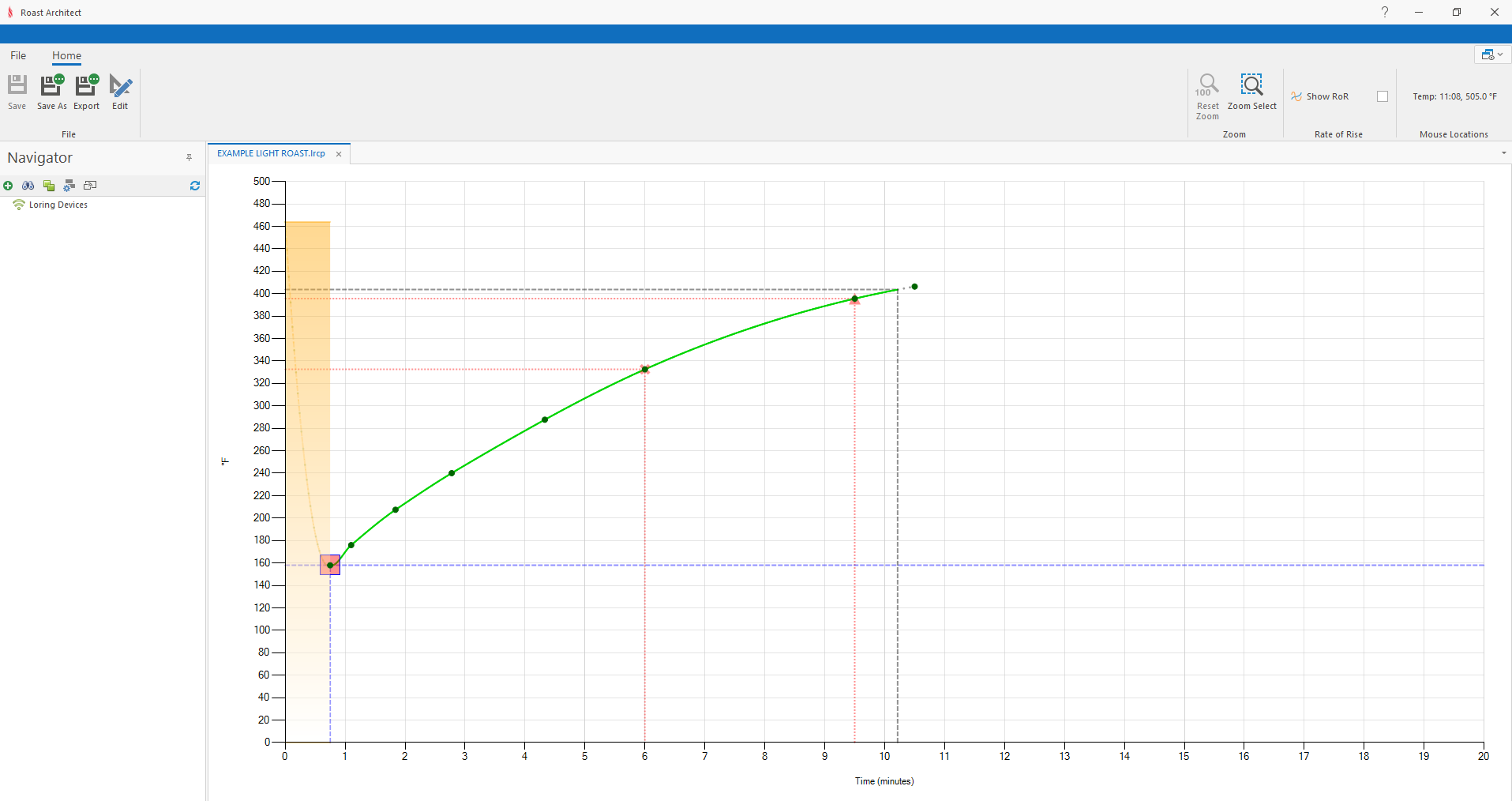
The Roast Architect Home menu showing a Roast Profile Review
1. Save, Save As
- Save the currently focused Roast Architect file
- Save as creates a copy of the open Roast Architect file with a new name
2. Quick access tool-bar
- Access to frequently used actions such as "Save project", "Undo", and "Redo"
3. Ribbon Bar
The Ribbon Bar contains the controls to open, save, and edit Roast Architect files. The editing controls will change in accordance with the currently focused Roast Architect file. For more details on the Ribbon Bar, see Editing Tools
4. File Tab Bar
- Select and organize open files
- Undock/Dock files from application window
- Selecting a file will display its associated content for editing
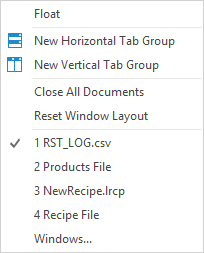
5. Docking Functions
- Additional file tab docking functions
- Group and distribute file windows
6. Navigator Panel
- Search for, and connect to, Loring Roasters on the network
- Upload, download, and otherwise interact with Roast Architect Files on a Loring Roaster
- FTP (File Manager) access to Loring Roaster Files
For more details, see Navigator Panel