Create a New Products File
This quick guide will describe how to create a new Products File for a Loring Roaster.
- From the File Menu, select New and then Products
- Select Products File
- The Products Editing Screen will be shown, and the file will be auto-populated with an example list
- Edit the Products File as desired using the Editing Tools
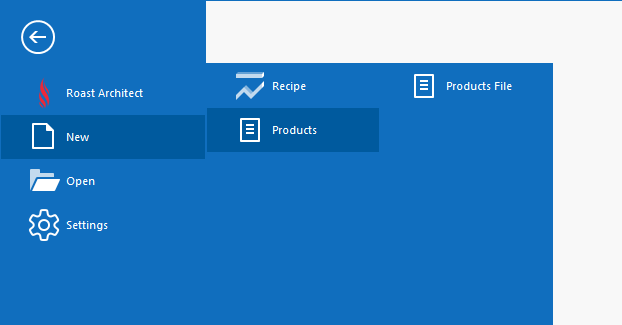
The New Products File Menu
To upload the file onto a Loring Roaster, see Upload File to a Roaster