Open a Local File
This quick guide will describe how to open an existing file from the local computer.
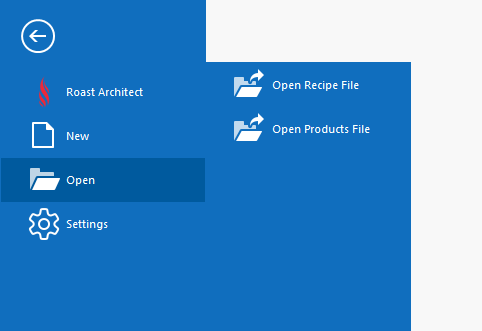
- From the File menu, select Open
- Select Open Recipe File or Open Products File
- Navigate to the desired file and click Open, or double click the file
- Opening a Profile will show the Profile in a view-only mode. The Profile and its attributes cannot be edited in this mode. If desired, enable Editing from the Ribbon Toolbar

- Make desired modifications to the file using the Editing Tools